We workfkow
Workflow System Overview
The Workflow directory contains a Windows service-based workflow automation engine for CreataCRM. It hosts a workflow runtime that manages workflow definitions, instances, and execution, with services for starting workflows based on schedules (one-time, minutely, hourly, daily, weekly, monthly), object changes, and criteria. The system includes tracking, error handling, and workflow definition refresh.
The CustomWorkflowServices project provides background services: CustomStartWorkflowService evaluates and starts workflows based on criteria, schedules, and object state changes; DelayedEmailSendService handles queued email sends with retry logic and activity creation; NotificationCreationService generates user notifications; WebhookProcessingService processes incoming webhook payloads; and PostsPushNotificationService sends push notifications. These services run on configurable timers and integrate with the CRM database to automate business processes.
The workflow engine supports multiple trigger types: scheduled workflows (recurring or one-time), criteria-based workflows (when objects meet conditions), and object change workflows (on create/update). It handles delayed email sending with retry logic, notification creation and delivery, webhook processing for external integrations, push notifications, and customer alert processing. The system also handles synchronization with external accounting systems through workflow activities, including sync operations for ReckonDesktop and MyobLive accounting integrations, allowing workflows to trigger bidirectional data synchronization between the CRM and these accounting platforms. Together, these components automate CRM workflows, communication, and business process operations.
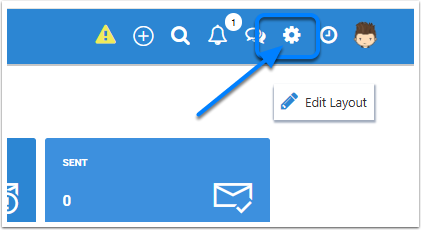
Click on Settings cog
If you can click on the settiings cog on the top right corner, you will have to be a admin user to have acess to this.
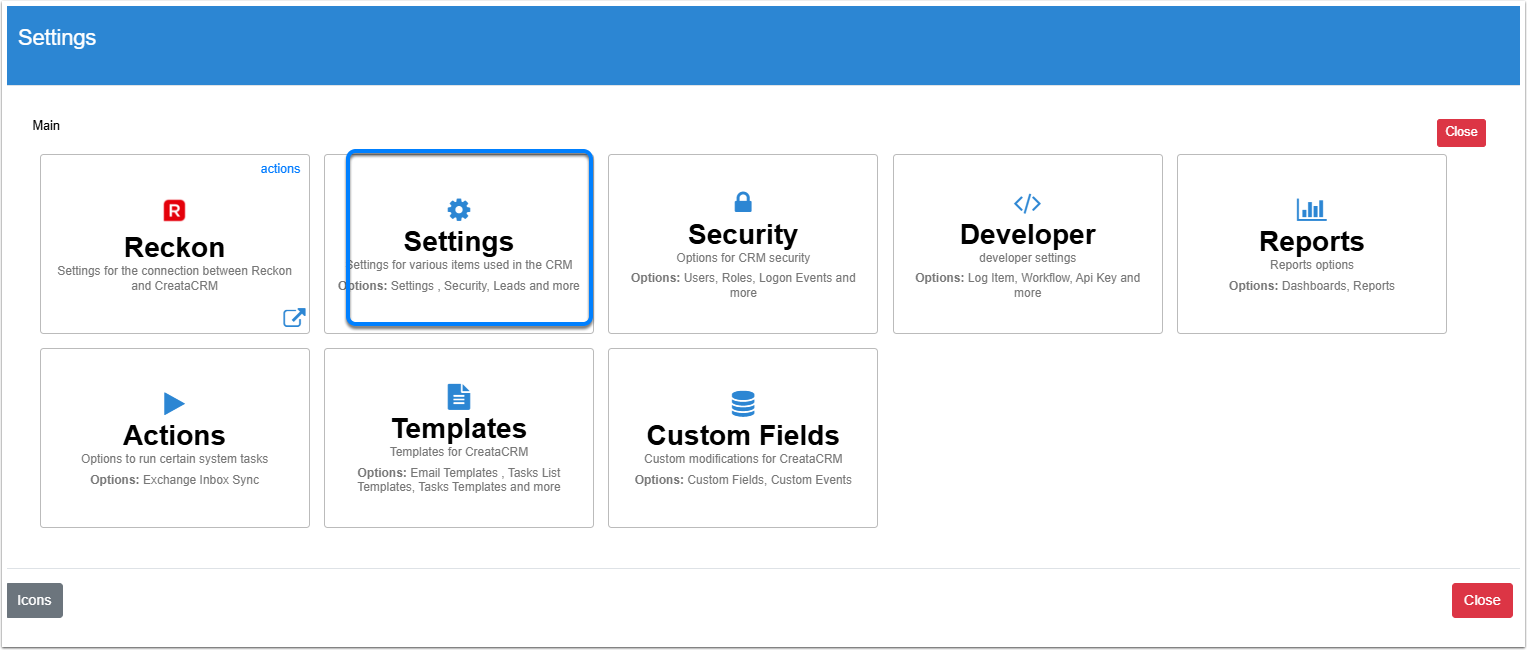
Click on Settings
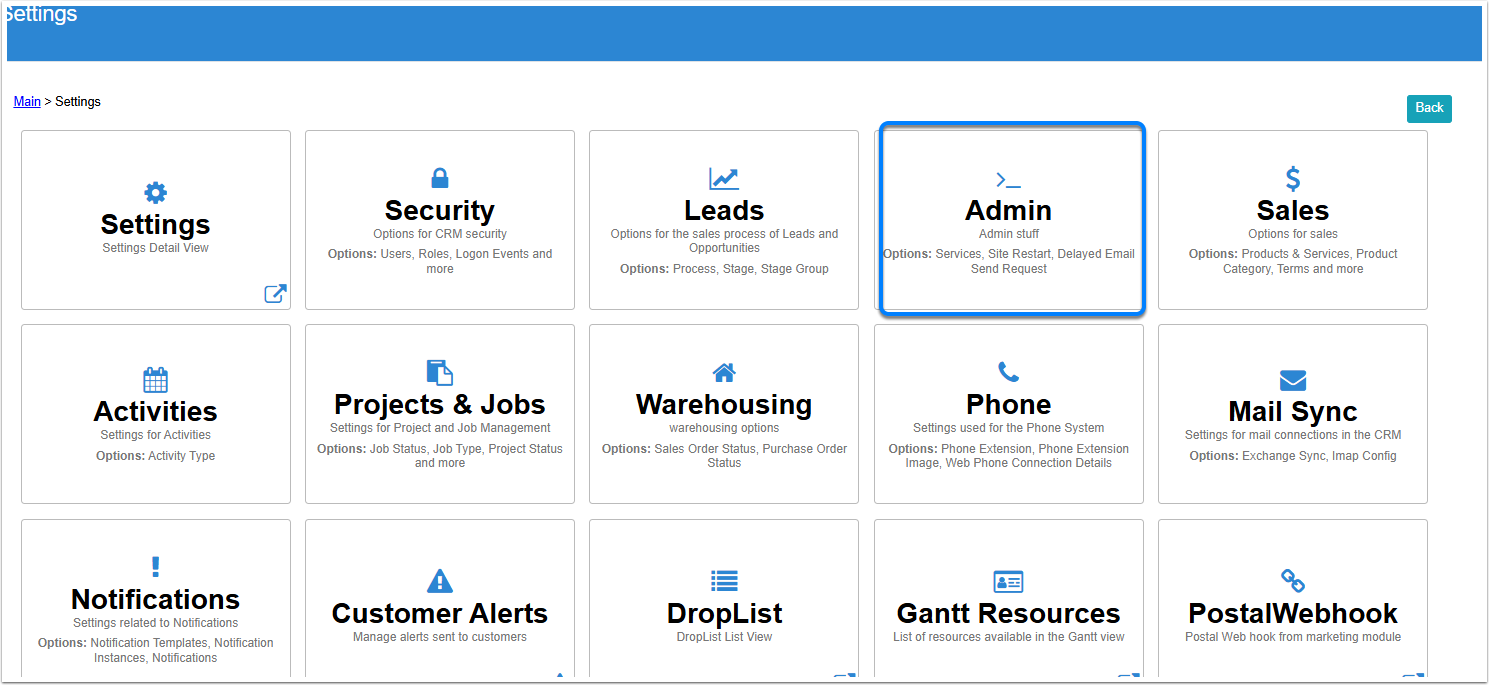
Click on Admin
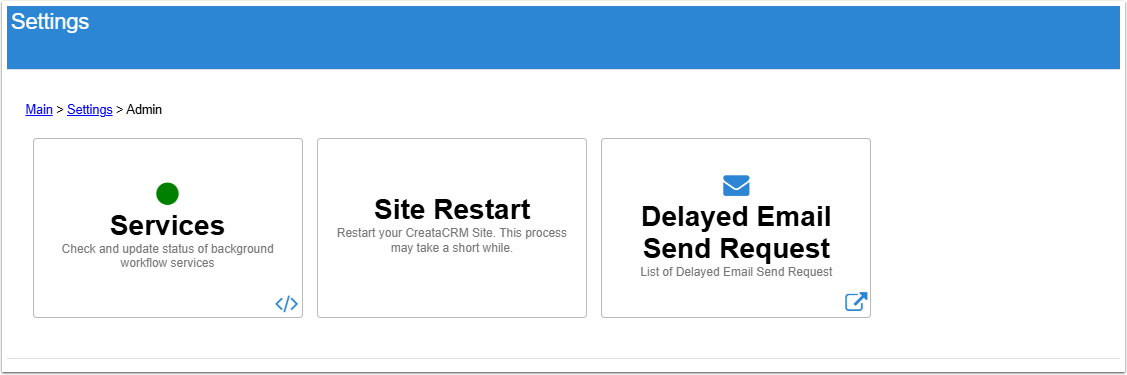
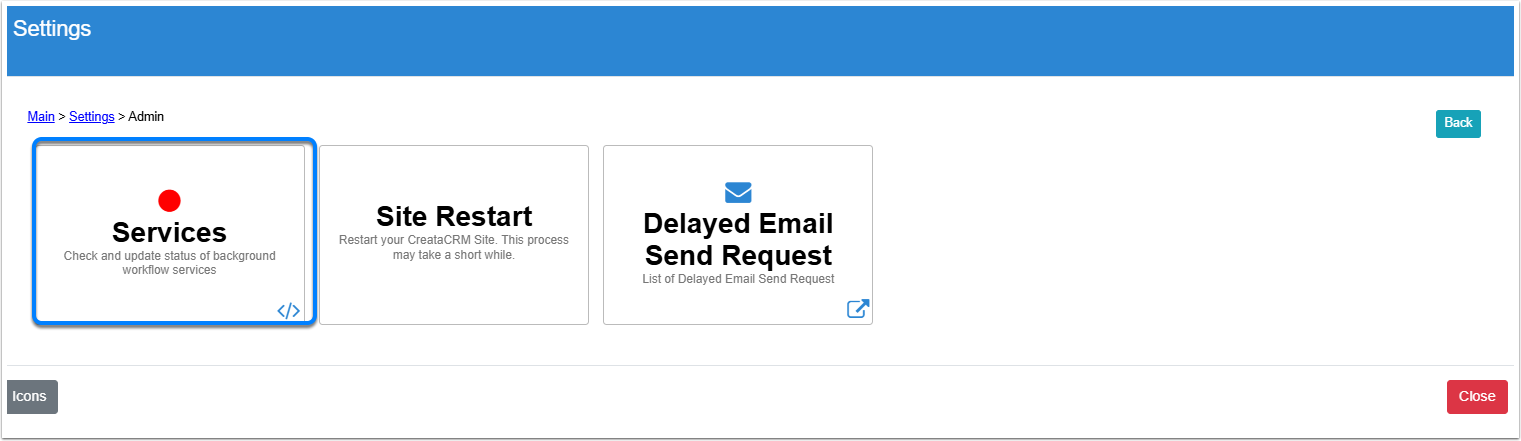
If Services Red
If the Workflow serice is red, it means the background tasks are not working and workflow needs to be restarted, click on the Services button
Click on Start

Starting

Started
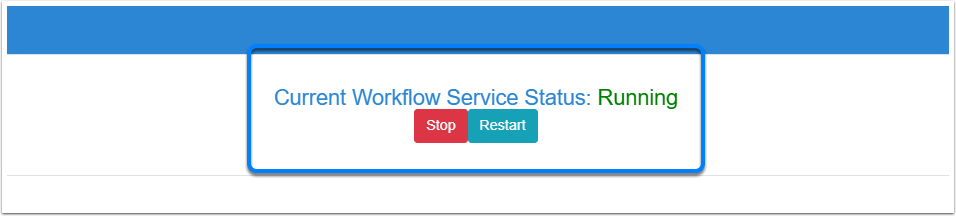
Close the dialog box and go through the process on checking the services, if it is green the workflow is working